Contact center software: 2026 guide to consolidating your communications stack
Compare leading contact center software on the capabilities enterprise teams need most: AI, security, integrations, and deployment speed.
Fragmented systems cost you twice: agents waste time reconstructing context, and IT absorbs the ongoing cost of vendor sprawl and integrations. Unified platforms that combine contact center and business communications eliminate both.
10 contact center software platforms compared
Each of the 10 contact center solution providers analyzed below has a distinct architecture, AI approach, and deployment model. These differences directly affect your implementation timeline, total cost of ownership, and ability to scale.
| Platform | Best for | Deployment model | AI approach | Omnichannel support | Key differentiator |
|---|---|---|---|---|---|
| RingCentral RingCX | Unified agentic AI | Cloud-native | AI-native, embedded | Voice, chat, email, SMS, social | Unified UCaaS and CCaaS architecture |
| Genesys Cloud CX | Large contact center operations | Cloud | AI-first | Voice, digital, messaging | Workforce engagement suite with native integrations |
| Five9 | Voice-heavy operations | Cloud | AI-assisted | Voice, digital channels | Voice automation and CRM integration |
| Talkdesk | Vertical compliance | Cloud-native | AI-native | Voice, digital, messaging | Industry-specific solutions, deployable in days |
| NiCE CXone | Complex analytics | Cloud | AI-integrated | Voice, digital, workforce | Workforce optimization and analytics depth |
| 8x8 | Mid-market/enterprise, heavy AI automation | Cloud | AI-integrated | Voice, chat, email, SMS, RCS, video, social | 75% YoY growth in Intelligent Customer Assistant contracts |
| Twilio Flex | Developer-led, custom builds | Cloud, embeddable/programmable | Agentic AI via API/SDK | Voice, chat, SMS, WhatsApp, email | Fully programmable, embeddable via SDK |
| Zoom Contact Center | Digital-first, video-native support | Cloud | AI-first (Virtual Agent, Agent Performance Suite) | Voice, video, chat, email, SMS | Virtual Agent handles 30–45% of routine inquiries autonomously |
| Vonage Contact Center | Salesforce-centric service teams | Cloud | AI-assisted | SMS, MMS, RCS, email, WhatsApp, Messenger, Viber | Deep native Salesforce integration |
| Amazon Connect Customer | AWS-native enterprises | Cloud (AWS) | Agentic AI (Amazon Nova Sonic) | Voice, chat, WhatsApp Business, Apple Messages | Native AWS integration for teams standardized on AWS infrastructure |
1. RingCentral RingCX
RingCX gives enterprises professional cloud-based contact center capabilities without legacy deployment timelines. It unifies business communications and customer engagement into a single agentic AI-powered architecture.
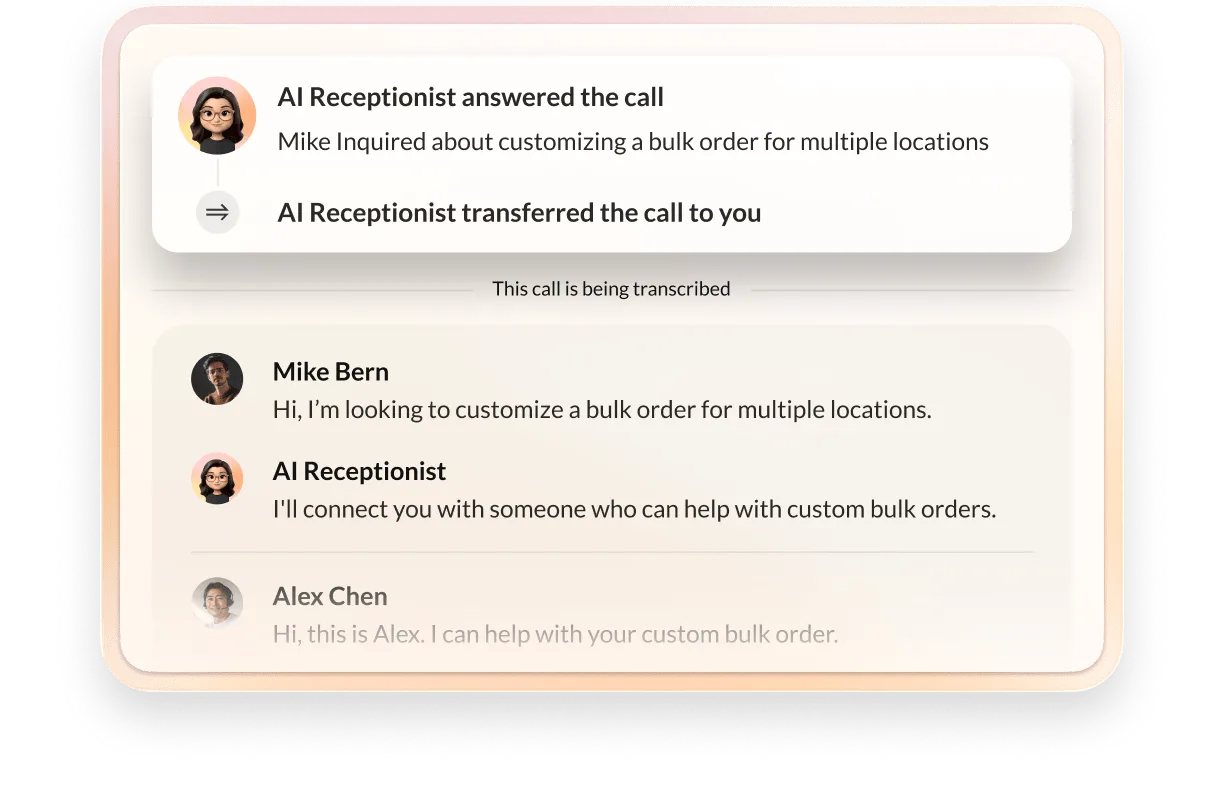
- Autonomous customer intake: AI Receptionist (AIR) greets callers, identifies intent, and handles routine tasks like scheduling. When escalation is needed, AIR hands off complete context and a transcript so agents continue the conversation seamlessly.
- Real-time agent guidance with AVA Agent Assist: AVA provides in-the-moment coaching, surfaces recommended next steps, and reduces handle time. AVA Supervisor Assist alerts managers to critical conversations and surfaces coaching opportunities across the team.
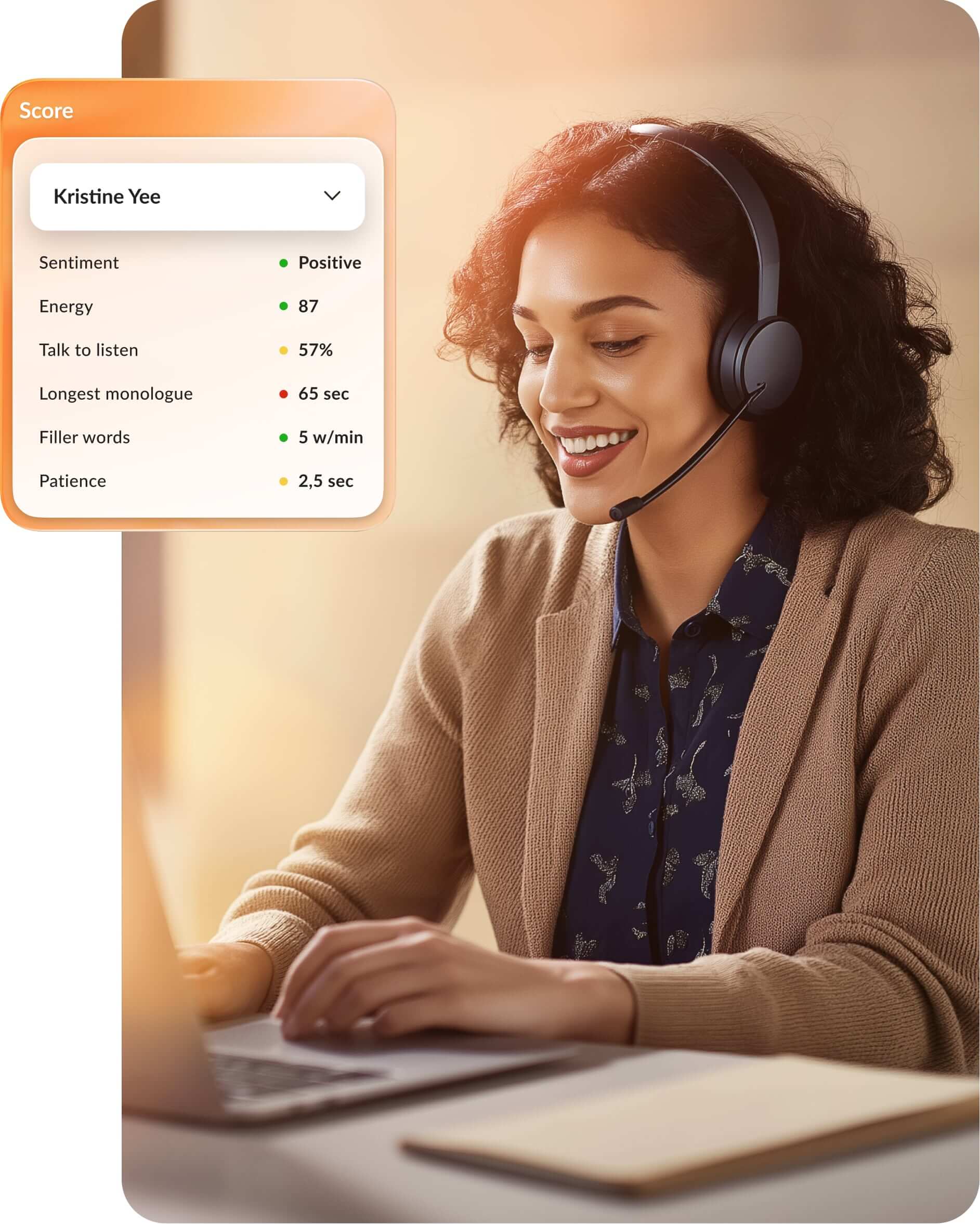
- 100% interaction coverage: AI Quality Management scores every customer interaction instead of the industry standard 1-2% manual sampling. AI Interaction Analytics flags sentiment trends and intent patterns across your full conversation volume.
- Enterprise reliability: RingCentral guarantees 99.999% uptime, keeping agents connected for high-stakes interactions.
2. Genesys Cloud CX
Genesys Cloud CX is built for enterprise teams managing high interaction volumes across voice and digital channels. It unifies contact center operations with workforce engagement management (WEM) in a single platform, combining quality management, employee performance tools, scheduling, and coaching.
Native AI powers omnichannel engagements, intelligent routing, and journey management. The platform integrates natively with Salesforce, ServiceNow, and other major enterprise systems, with open APIs for custom integrations.
Genesys Cloud CX suits organizations where workforce engagement depth and analytics sophistication are primary priorities, though it requires internal resources to configure and optimize a complex platform.
3. Five9
Five9 is built for sales and service teams that handle high inbound and outbound call volumes. It offers voice automation, AI agent assist, and predictive dialing, with deep native integrations to Salesforce, ServiceNow, and Microsoft Dynamics 365.
The platform excels at pushing customer records directly to agent desktops during calls, which the industry calls "screen pop." Five9 automatically routes calls and digital interactions based on CRM data, agent skills, and real-time availability. Five9 suits organizations where voice is the primary channel and CRM integration is central to operations.
4. Talkdesk

Talkdesk is a cloud-native contact center platform built on an AI-first design with rapid deployment timelines. It offers industry-specific solutions for healthcare, financial services, and retail, with pre-built workflows and compliance configurations tailored to each vertical.
Talkdesk's multi-agent orchestration deploys specialized AI agents, each focused on a specific task, to execute customer work end to end. Virtual agents automate routine requests, Copilot guides agents in real time, and automated quality scoring provides continuous feedback.
The cloud-native architecture enables deployment in weeks rather than months. Talkdesk suits organizations in regulated verticals that want industry-specific compliance built in alongside rapid time-to-value.
5. NICE CXone
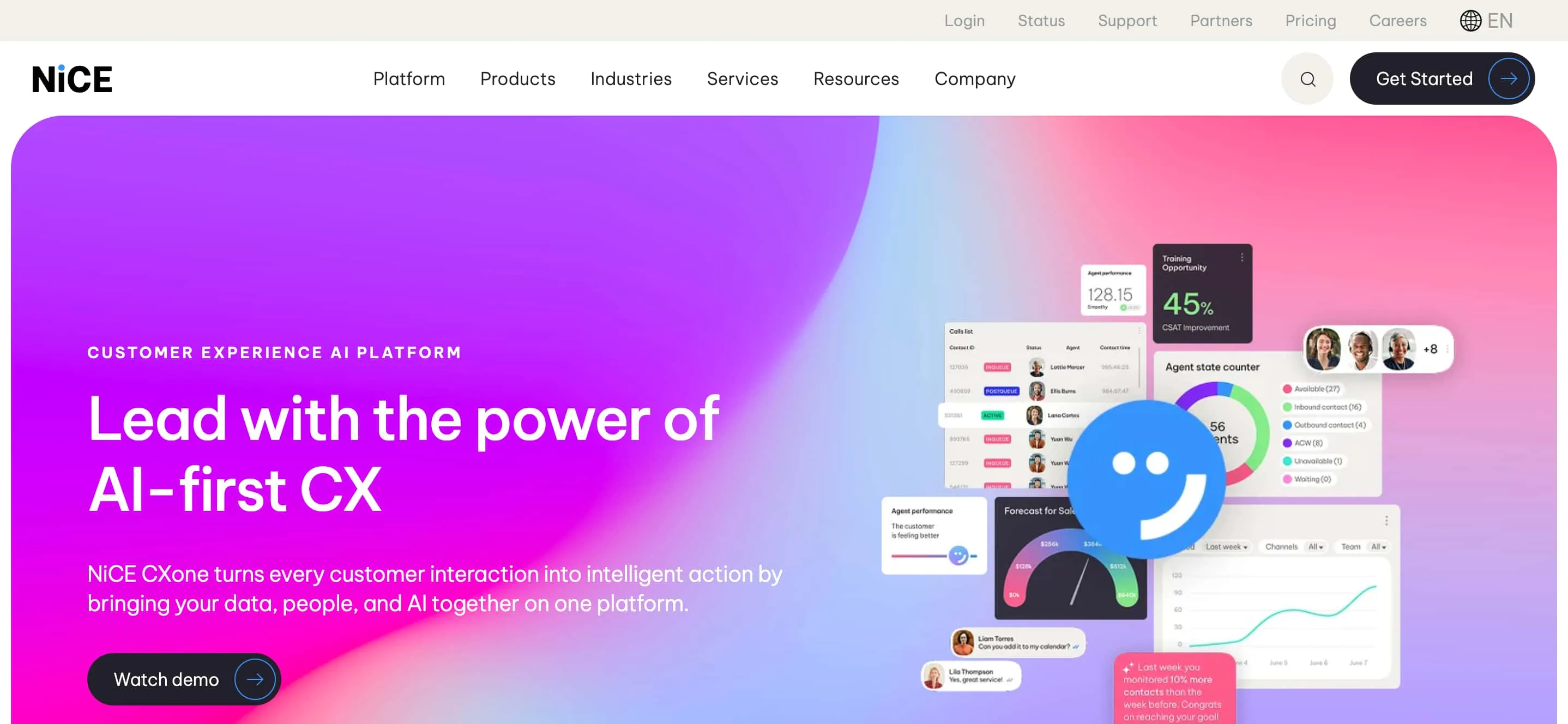
NiCE CXone is an enterprise contact center platform built for large-scale operations. It unifies omnichannel routing with workforce management, quality management, and interaction analytics in a single cloud platform.
NiCE CXone stands out for its industry-leading analytics depth and workforce optimization tools. It offers sophisticated interaction analytics, customer journey mapping, and performance benchmarking across large agent populations. Forecasting, scheduling, coaching, and e-learning are built into the platform.
NiCE CXone suits large enterprise teams where workforce management complexity and analytics depth are primary priorities. Implementation resources are essential, as the system requires configuration and optimization to deliver full value.
6. 8x8
8x8 covers voice, chat, email, SMS, RCS, video, and social channels from a single console, aimed at mid-market and enterprise teams running high interaction volumes. Its Intelligent Customer Assistant applies AI to deflect routine inquiries away from live agents before they reach the queue.
It suits organizations prioritizing broad channel coverage combined with AI-driven deflection at scale.
7. Twilio Flex
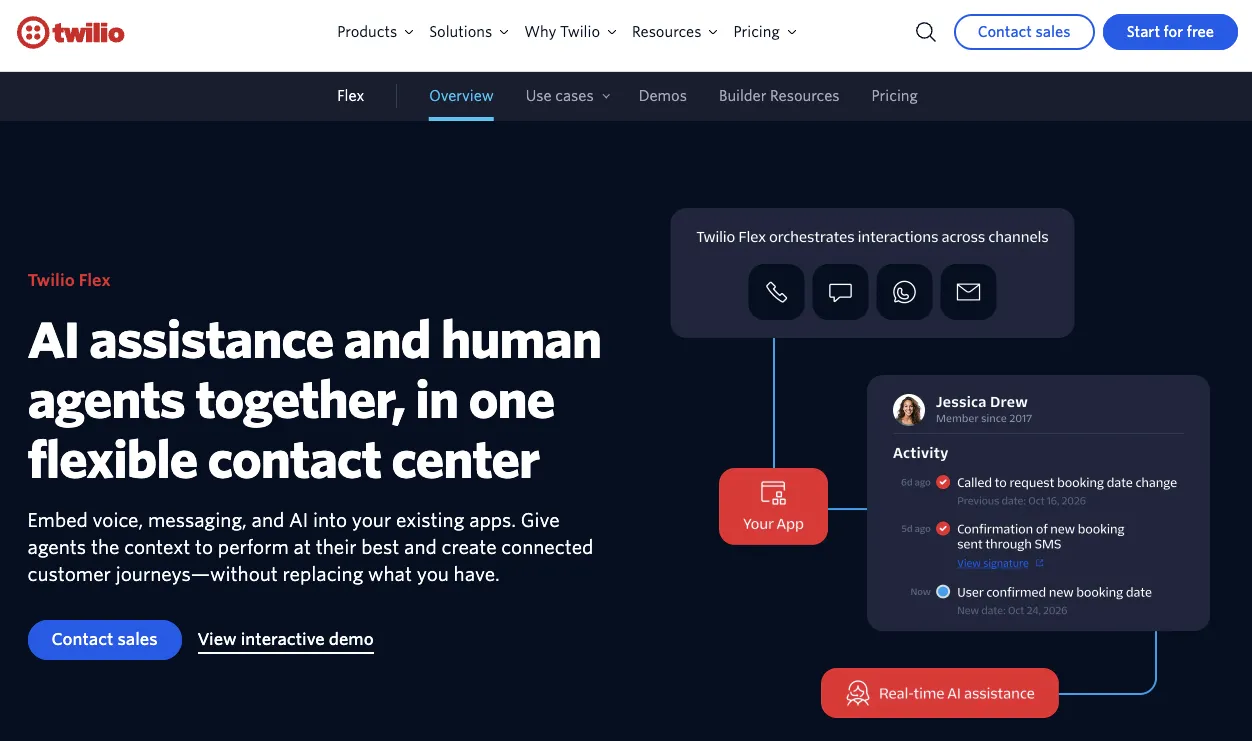
Twilio Flex is a programmable contact center platform, delivered through APIs and an SDK rather than a pre-configured interface. Teams build and code their own voice, chat, SMS, WhatsApp, and email workflows to match specific technical support or business processes, and agentic AI extends into those custom builds. However, Twilio Flex likely requires in-house development resources to configure and maintain.
8. Zoom Contact Center
Zoom Contact Center spans voice, video, chat, email, and SMS, with video support built on Zoom's core meetings infrastructure rather than added separately. Its Virtual Agent provides automated self-service options, while the Agent Performance Suite applies AI to support routine customer care interactions.
Zoom Contact Center suits organizations that want video built into the support channel mix rather than bolted on separately.
9. Vonage Contact Center
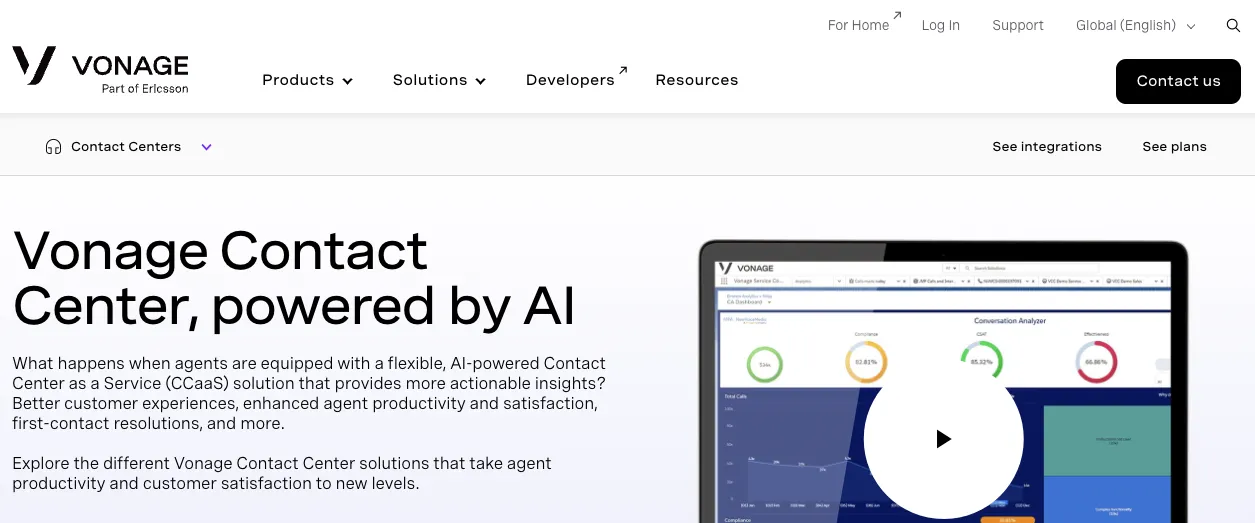
Vonage Contact Center is built around a native Salesforce integration, pulling CRM data directly into the agent workspace during interactions. Channel coverage centers on messaging: SMS, MMS, RCS, email, WhatsApp, Messenger, and Viber. AI-assisted tools support routing and interaction handling.
Vonage Contact Center suits Salesforce-centric teams that want messaging channels and CRM context in one workflow.
10. Amazon Connect Customer
Amazon Connect Customer runs on AWS infrastructure and integrates directly with the broader AWS ecosystem for data, storage, and custom application development. Channel support includes voice, chat, WhatsApp Business, and Apple Messages for Business. Its agentic AI runs on Amazon Nova Sonic.
Amazon Connect Customer suits AWS-native enterprises that want their contact center to share infrastructure and tooling with the rest of their cloud environment.
How to choose the right contact center software
Choosing a contact center platform requires evaluating multiple factors. Your best fit depends on your current infrastructure, operational priorities, and customer channels. Use these six criteria to compare platforms.
Native vs. integrated architecture
Ask whether the platform was built as one system or stitched together through acquisitions. Native architecture means a single data model, one admin console, and no middleware translating between disconnected systems.
Test this directly with vendors: ask how many separate codebases power the platform you're evaluating and what breaks first when you add a new channel. Integrated platforms tend to have longer troubleshooting cycles because a failure in one system can originate in another.
Total cost of ownership (TCO)
License cost is the smallest part of the real bill. When you add implementation services, integration middleware, ongoing admin headcount, and the cost of downtime, the gap between platforms widens fast.
Ask each vendor for a five-year TCO model, not just per-seat pricing. Ask what percentage of enterprise customers need paid professional services just to keep the platform running.
Agentic AI capabilities
Rule-based routing and single-purpose AI bots aren't the same as agentic AI that manages an entire interaction. Ask whether the platform's AI can independently handle intake, routing, and follow-through, or whether it only assists a human at each step.
Intelligent routing can help boost customer satisfaction by improving first-call resolution 15–25% over rule-based systems. Have vendors show your FCR data from comparable enterprise deployments instead of lab conditions.
Omnichannel capabilities and routing intelligence
Channel count matters less than whether context carries across channels to protect the customer experience. Ask whether a customer who starts on chat and moves to voice keeps their full interaction history or whether the agent starts from zero.
Request that vendors demonstrate a live channel switch mid-interaction. If context drops or an agent has to ask the customer to repeat themselves, the routing isn't actually unified.
Integration ecosystem and data connectivity
Omnichannel contact center software needs to talk to your CRM, ticketing system, and internal knowledge bases without custom middleware for every connection. Find out which integrations are native and which require a third-party connector or custom development.
Also have them explain how the platform handles integration updates when the connected system changes its API. Native integrations get maintained by the vendor; bolted-on ones become your team's problem.
Security, compliance, and governance controls
Enterprise deployments need SOC 2 Type II, the Health Insurance Portability and Accountability Act (HIPAA), and the General Data Protection Regulation (GDPR) compliance as a baseline, not an add-on tier. A 99.999% uptime service-level agreement (SLA) means less than 6 minutes of downtime per year, while a 99.9% SLA allows nearly 9 hours of downtime annually.
Ask for the actual SLA number in the contract, not a marketing claim. Ask how the vendor handles data residency requirements if you operate across multiple regions.
Contact center platform implementation and migration considerations
Migrating contact center infrastructure is a significant operational undertaking. The timeline, resource requirements, and risk profile vary considerably between platform types and vendor approaches.
Implementation timelines: Legacy vs. cloud-native platforms
Legacy contact center deployments commonly take 6 to 12 months, driven by hardware provisioning, custom integration builds, and phased rollouts. Cloud-native platforms compress that timeline into weeks because the infrastructure already exists, and configuration replaces custom development.
RingCX deployments can go live in days for standard configurations, with more complex enterprise rollouts extending to a few weeks, depending on integration scope. Ask any vendor for a realistic timeline based on your integration count, not their fastest-ever customer story.
Migration risk factors to evaluate
Evaluate these factors when assessing migration risk:
- Data portability. Verify you can export interaction history, agent performance data, and configuration settings from your current platform.
- Integration continuity. Confirm the new platform connects to your CRM and business systems during and after migration.
- Training and onboarding. Assess the learning curve and verify that the vendor provides structured onboarding for agents and supervisors.
- Cutover approach. Ask whether the vendor supports phased migration or parallel-run options.
- Professional services. Understand what implementation support the vendor provides and what it costs.
Change management and agent adoption
Agents who've worked in a legacy system for years need more than a login to a new platform. Build a training plan that covers the new interface, the new AI tools, and the workflows that change as a result.
Identify agent champions early and give them access to the new platform before full rollout. Their feedback catches usability issues before they hit your entire team, and their support during cutover speeds adoption across the floor.
Choose contact center software that scales with your business
AI-native platforms deliver better outcomes than legacy systems with bolted-on AI. The performance gap is measurable and growing.
When choosing a platform, prioritize unified architecture, embedded AI, and enterprise-grade security. Your decision depends on infrastructure fit, compliance requirements, and your team's implementation resources.
Fragmented channels, limited quality monitoring, and multiple vendor tools create operational drag. RingCentral RingCX addresses all three. It unifies contact center and business communications in a single platform. You get complete interaction coverage, automated quality management across 100% of conversations, and one infrastructure to manage.
- Implementation and integration: Professional services, custom development, and deployment timeline costs
- Ongoing operations: System maintenance, vendor management, and IT synchronization
- Quality management: Manual monitoring labor versus automated AI quality management
- Training and adoption: Onboarding time and productivity ramp for complex interfaces
Contact center software FAQs
- SOC 2 Type II: Validates vendor controls for security, availability, and data confidentiality
- HIPAA: Required if you handle protected health information
- GDPR: Required for European operations or customer data
- PCI DSS: Required if you process payment card data